How Dubai World Trade Centre runs multi-room conference livestreams with Castr
From single-stage keynotes to international conferences like ICOM Dubai 2025, Dubai World Trade Centre uses Castr to run parallel session streams without rebuilding its video setup for every event.
The Middle East’s largest convention and exhibition venue
Dubai World Trade Centre (DWTC) is the biggest convention venue in the Middle East. It brings in millions of visitors every year for major trade shows, summits, and exhibitions.
Its in-house agency, DXB LIVE, handles everything from conference planning to live technical production. For hybrid events, the team is responsible for two audiences at once (the people sitting in the halls and the attendees watching online), so their streaming setup has to fit right into their on-site production workflow.
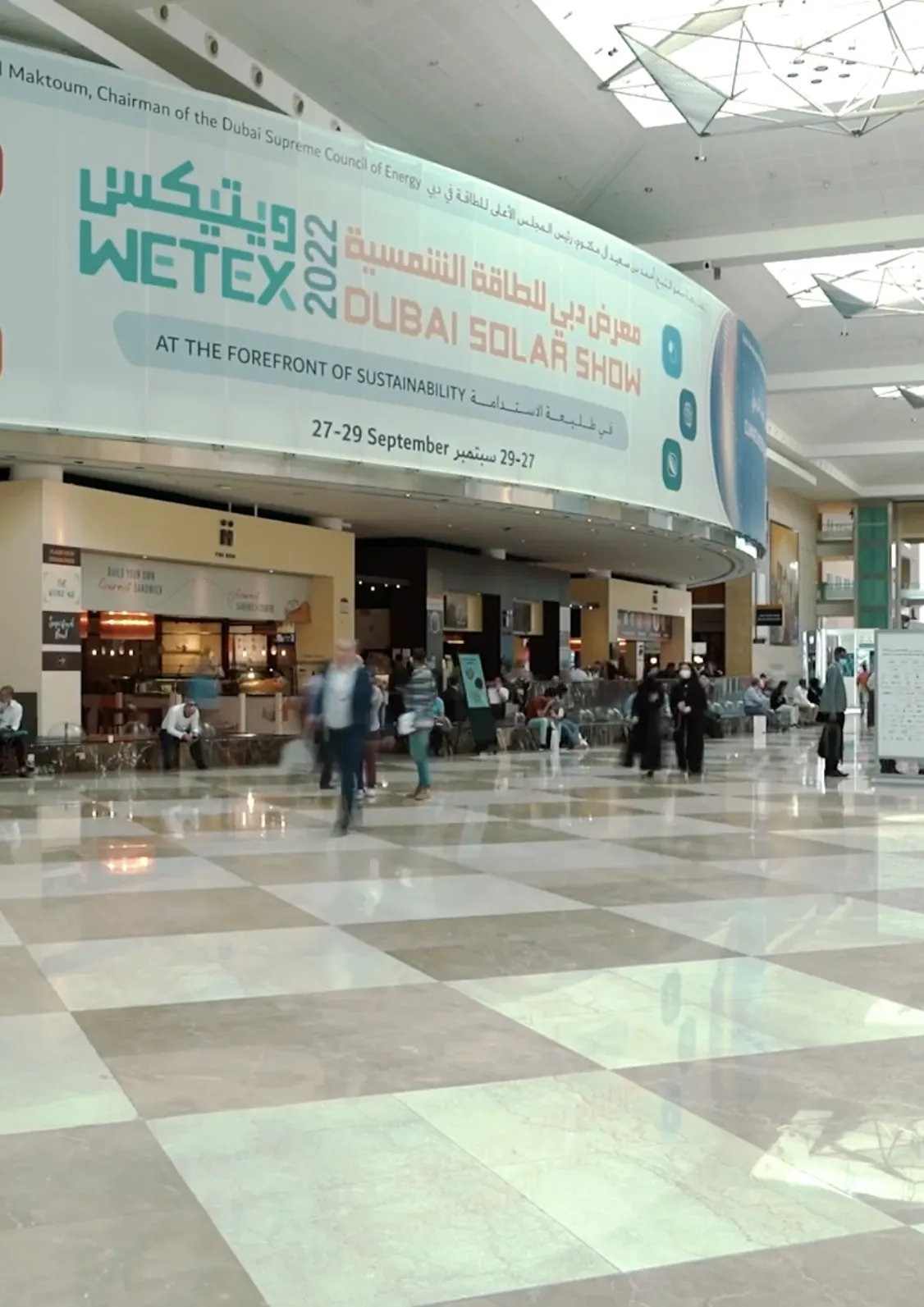
One conference, dozens of rooms going live at the same time
Streaming a keynote from a single stage is fairly straightforward. Things get more complicated when several sessions are happening at once.
At DWTC, a conference might have a keynote in the main hall, panel discussions in another, and workshops running across several breakout rooms. Every room needs its own livestream, often with a different schedule and production setup.
Managing these independently means keeping track of multiple encoders, streams, and playback links while the event is running. That’s a lot for a production team to juggle, especially when sessions overlap or schedules change.
DWTC needed a way to manage these streams together without treating every room as a separate streaming project. It also needed reliable playback for remote attendees and a setup that could work across events of different sizes.
The priorities
- Stream multiple conference sessions in parallel
- Support hybrid and remote audience workflows
- Keep playback stable with adaptive bitrate
- Manage each event’s streams from one dashboard
- Ingest and produce locally in Dubai
- Fit different event formats and room layouts
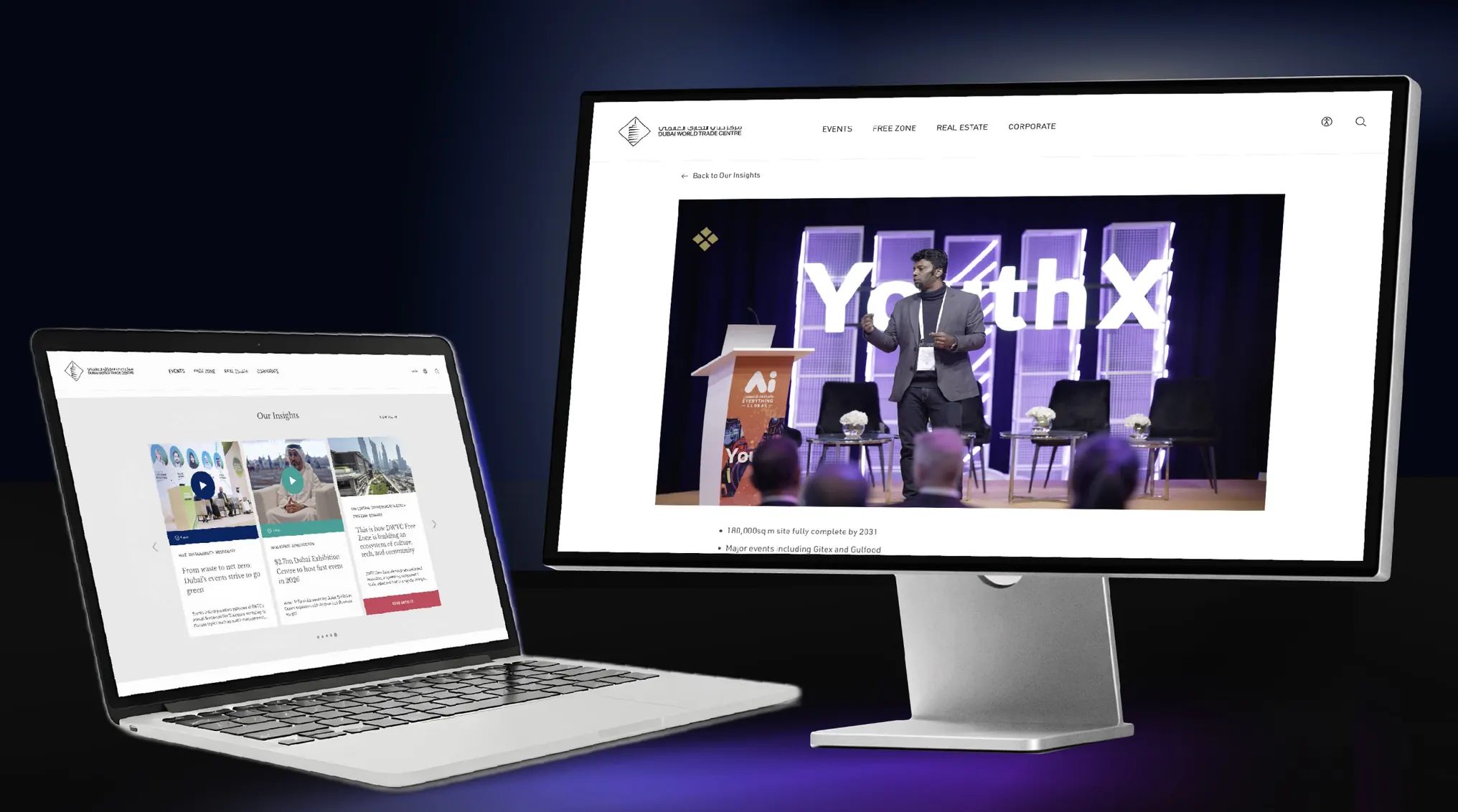
Built for whole event schedules, not just single streams
In 2024, DWTC moved its event streaming to Castr. Rather than building a new video setup for every event, the team wanted a single platform they could configure for both standalone sessions and full multi-room conferences.
Three things made Castr the right fit for the venue:
Repeatable multi-room setup: The team can pre-build dedicated channels for each hall or track ahead of the event and watch every live feed from one screen.
Regional ingest in Dubai: With production crews working on-site at the venue, sending live feeds to a local Dubai ingest server keeps the signal path short and stable.
Embeddable, access-controlled players: Every channel outputs an HLS link with built-in security, so event organizers can drop streams straight into their own conference portals or hybrid event apps.
How DWTC runs multi-session events on Castr
Today, DWTC uses Castr to handle the entire live video path from the venue floor to remote attendees.
Here is how the workflow runs on an event day:
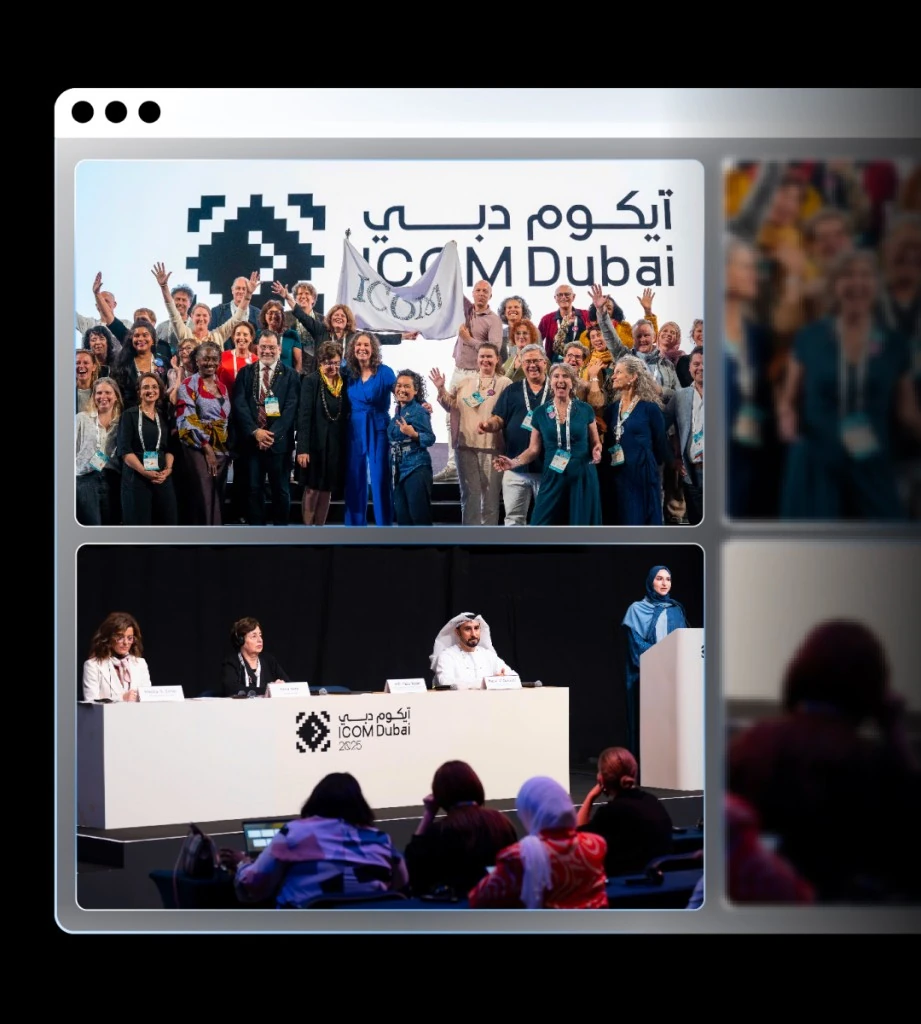
A dedicated channel for every room and track
Large conferences often have several sessions running at the same time. With Castr, DWTC can create a dedicated livestream channel for each room or conference track.
Each channel has its own video feed, playback link, and monitoring controls.
This was particularly useful during ICOM Dubai 2025, an international conference for museum and heritage professionals. The event included multiple International Committee sessions running in parallel, each requiring its own livestream.
Instead of managing every committee room through a separate setup, DWTC could organize the streams under one Castr account.
The production team could monitor the sessions together while keeping each broadcast independent.
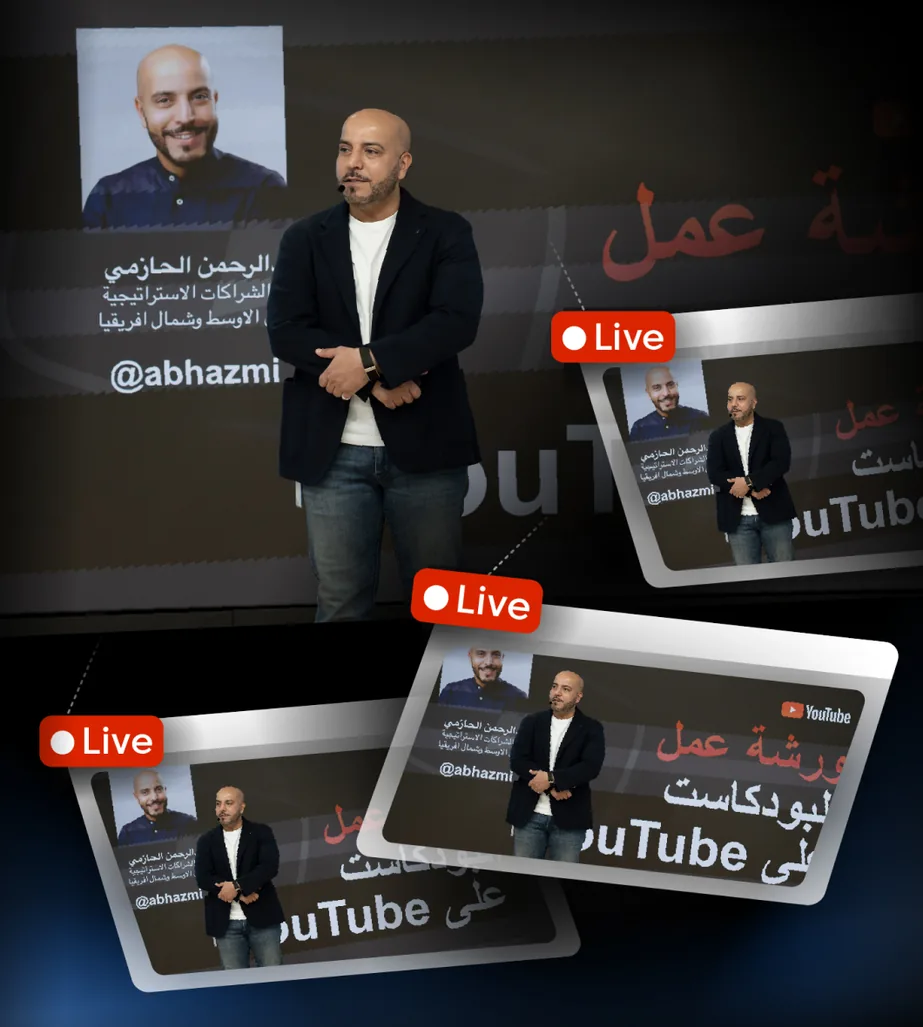
Reliable playback for remote attendees
For hybrid events, online viewers need the same reliability as people in the hall, especially when international attendees are tuning in on different network speeds.
Castr handles that on every session channel:
Adaptive bitrate playback: Video quality adjusts automatically to each viewer’s device and connection, so international attendees get a smooth stream regardless of their local network.
Protected HLS links: Each session generates an HLS playback link that organizers can embed into any website or event platform, with HLS protection enabled to keep private or ticketed sessions restricted to registered attendees.
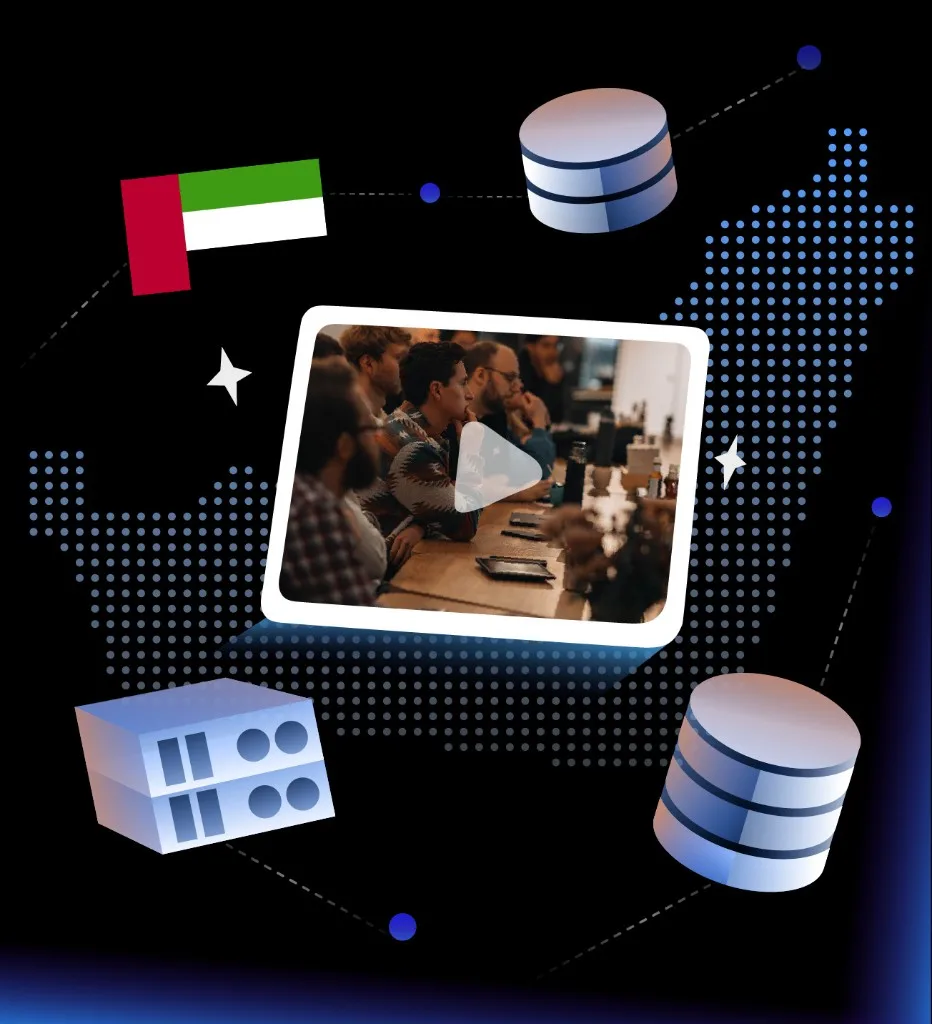
Local ingest in Dubai for on-site production
When multiple rooms are broadcasting at once, the journey from the camera to the streaming server matters.
DWTC’s on-site encoders send their video feeds to Castr’s Dubai ingest servers, keeping the initial connection close to where the event is happening. From there, Castr distributes the streams to viewers watching remotely.
Once the sessions go live, the production team monitors every active room from a single dashboard. If a schedule shifts or a particular feed needs attention, operators can step in and adjust that channel without interrupting the others.
One repeatable workflow for every event day
Since moving to Castr, DWTC has been able to manage complex, multi-room conferences through a more consistent streaming workflow.
Events like ICOM Dubai 2025 show how this works in practice. Multiple sessions can run simultaneously, while the production team focuses on delivering the event rather than managing separate streaming setups.
Castr is now a reliable part of DWTC’s event production workflow. Whether it’s a single livestream or a large conference, the team can use the same setup without starting from scratch each time.
With Castr, DWTC can:
Manage multiple event streams from one platform
Run parallel conference sessions side by side
Deliver adaptive bitrate playback to remote viewers
Prepare dedicated streams for specific rooms and tracks
Use Dubai-region workflows for local production
Support hybrid participation at professional conferences
Take complexity out of live event days
More customer stories
How The Jasper Picture Company Delivered a 16-Hour Charity Telethon Across Five Platforms with Castr
Charity telethon, multi-platform fundraising broadcast
Read the story →
How DanceBUG Streams Hundreds of Dance Competitions with Castr
Live Event Streaming, HLS Delivery, Developer API Integration
Read the story →How Shasha Delivers Live Football When an Entire Region Tunes In at Once
High-Traffic Live Sports Streaming, Regional Delivery, Content Protection
Read the story →Let’s talk through your live video setup
Bring us your channels, destinations, and delivery requirements. We’ll help you shape a workflow that stays organized as they change.
Evaluating a larger rollout? See how enterprise video streaming gets scoped.